Generate · Edit · Animate

Create with every model
from one studio.

The best image, video, voice and music models, with a video editor, canvas and 3D scenes in the same place. See the credit cost before you generate.

The studio

One composer, every model

Switch modes without switching tools — the same creation bar adapts to image, video or audio.

Bold music festival poster for a fictional event, large title text "NEON TIDES" in chrome retro-futuristic lettering, subtitle "SUMMER SOUND FESTIVAL · AUG 14–16", a giant synthwave ocean wave curlin…
GPT Image 2

Image

Photoreal images in seconds

Portraits, product shots and concept art — pick a model and go.

Your whole studio

Way more than generating

Edit, assemble and animate right where you generate. These are the tools that come with your account.

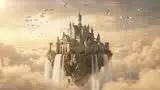
A castle above the clouds

00:00:05:06/ 00:00:12:00
0:000:020:040:060:080:100:12
Captions
A trip through XonaStudio
A castle above the clouds
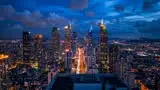
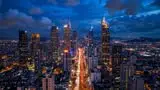
A city that never sleeps
Main track
Cliffs
Floating castle
City at night
Audio 1
Epic music

Video editor

Put the whole video together without leaving XonaStudio

A timeline with everything you generated at hand: clips, voice, music and captions, ready to post.

  • Automatic captions with per-word timing
  • Cut silences, speed up and reorder clips in seconds
  • Generate a new clip without leaving the editor and export as MP4
3D scenes

3D animations your agent writes

Ask your agent for an explainer, an ad or an animated character: it writes the scene in Blender and we render it on a GPU.

  • Use your own 3D models: .glb, .fbx, .obj, .blend and more
  • See test frames before rendering the full video
  • The result goes straight to the editor to add voice and music

Prompt

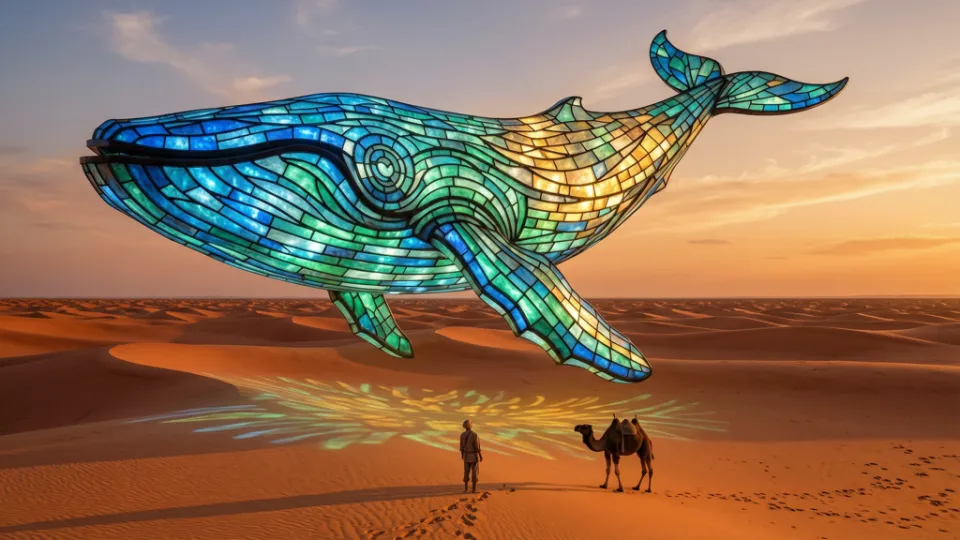
A giant stained-glass whale floating over the desert at sunset

Image generation

Cinematic shot, golden light

Video generation

The whale swims slowly as the camera moves forward

Canvas

Whole workflows on one canvas

Connect prompt, image, video and audio nodes and run the whole flow at once.

  • One node's result is the next one's reference
  • See the cost of the whole flow before running it
  • Build it yourself or with your agent, both see the same canvas
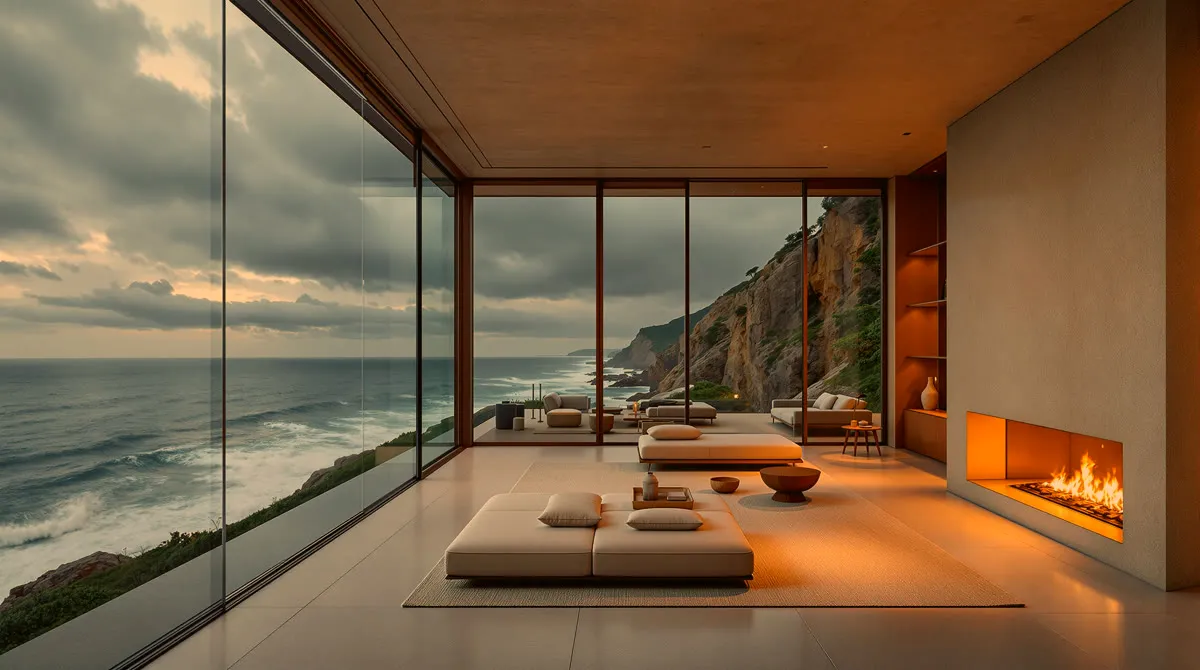
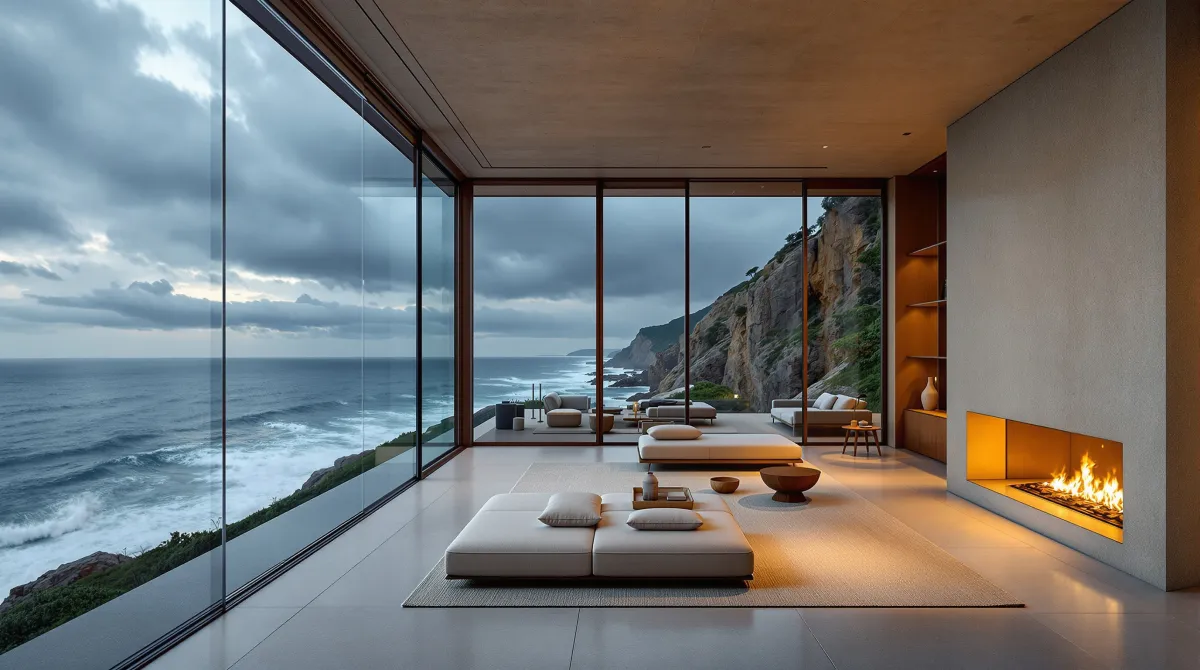
Living room with a window to the sea, before and after changing the light to a warm sunsetBeforeAfter
⇆
Edit

Image editor

Retouch any image in a couple of taps

What used to take Photoshop, with AI and without leaving XonaStudio.

  • Erase objects or swap the background
  • Expand the image or change the camera angle
  • Upscale to 4K, relight it or translate its text
SSarah

Welcome to XonaStudio!

RRoger

Today we build a whole video without leaving here.

LineAuto

Your audios

What you created, recorded and uploaded, newest first

  • Welcome to XonaStudio!Dialogue · Sarah and Roger0:09now
  • Narration.mp3Uploaded audio0:385 min ago
  • Epic music.mp3Uploaded audio1:025 min ago

Audio studio

Voices that sound real

Narrate a script, dub a video into another language or clone your own voice to use anytime.

  • Your voice: record a sample and use it in any script
  • Dubbing into another language that keeps the speaker's voice
  • Original music and sound effects from a prompt
Camel Edit
Business
Recreate
Courtside Gentle
Sports
Recreate
Shoreline Glow
Birthday
Recreate

Reshoot

Your photo in dozens of looks

Pick a look and recreate it with your photo, without writing a single prompt.

  • Over 200 ready-made looks, sorted by category
  • Business, sports, birthdays, travel, retro and more
  • Great for profiles, social media and campaigns

With your agent

Just ask your agent

Write to the XonaStudio assistant or connect Claude, ChatGPT or any MCP-compatible agent. Tell it what you want and it generates, edits and assembles it for you, with your own credits.

  • Image, video, voice, music, editor, canvas and 3D scenes: all available to your agent.
  • Every connection has its own spending cap, and you can cut it off anytime.
  • Everything lands in your library so you can keep editing by hand.

Assistant

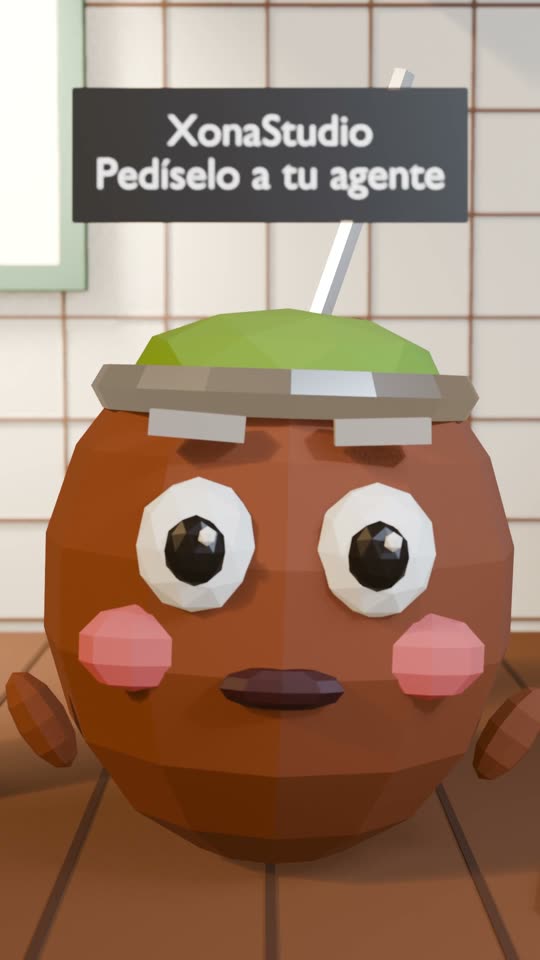
Make a 15-second 3D ad of a talking mate cup, with voice and captions.

Thought for 2 s

Sure: I'll generate the voice, render the scene in 3D and assemble it in the editor with captions.

4 tools
Generated audio
3D scene rendered
Video created
Captions added to video

Done, your ad is in the editor. Want me to add music?

3D ad of an animated mate cup made by the XonaStudio assistant

Ask anything…

What you can create

One platform, every AI model

Pick the best model for each job, all from the same place.

Image

Generate and edit images with the best image models.

Video

Turn prompts and images into video clips with sound.

Voice

Realistic text-to-speech in dozens of languages.

Music

Compose original tracks and soundtracks from a prompt.

Avatars

Animated talking avatars from a photo and a script.

Enhance

Upscale and restore images up to 4K.

Models

The best model for every job

XonaStudio connects to the top image, video and music models — new ones added as they ship.

A young woman dancer in a flowing red dress spins gracefully in an empty sunlit warehouse with dust particles floating in shafts of light, the fabric swirling around her, camera slowly orbiting her, …
Kling 3.0Video
Cute 3D-rendered diorama of a small rounded explorer robot with a weathered orange shell, one glowing round blue eye and a tiny backpack, standing on a floating mossy island with a miniature waterfal…
GPT Image 2Image
Night city timelapse from a high rooftop: a futuristic metropolis with glowing skyscrapers, streams of car light trails flowing along the avenues, clouds racing across the sky, windows flickering on …
Wan 3.0 PrimeVideo
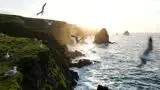
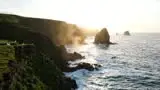
Cinematic aerial drone shot gliding slowly forward along dramatic green coastal cliffs at golden hour, turquoise waves crashing against dark rocks below, seabirds flying past, mist rising from the su…
Veo 3.1 LiteVideo
Extreme macro photograph of a colorful jumping spider on a green leaf, large glossy front eyes reflecting the light, fine iridescent hairs, tiny dew droplets on the leaf and its legs, soft bokeh back…
FLUX 1.1 Pro UltraImage
Luxury product video: a minimalist round wristwatch with a plain ivory dial, thin gold hands, no logo and no text, a polished rose-gold round case and a cognac brown leather strap, slowly rotating on…
Seedance 2.0 MiniVideo
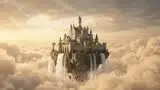
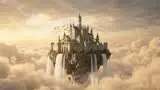
Fantasy scene: a majestic floating castle on a rocky island drifting among golden clouds at sunrise, waterfalls pouring off its edges into the sky, a flock of white birds circling, slow cinematic cam…
Gemini Omni Flash 1.1Video
Nature slow motion close-up: a hummingbird with iridescent green feathers hovering in front of a bright pink hibiscus flower, wings beating in slow motion, droplets of water sparkling in the air, lus…
Wan 3.0Video

How it works

From idea to finished video

No separate app per tool — one flow for everything you create.

  1. 1

    Pick a mode and a model

    Choose image, video, voice or music, then the model that fits your style and budget.

  2. 2

    Describe what you want

    Write a prompt and add reference images or a voice sample. The cost in credits shows before you generate.

  3. 3

    Generate

    Get your result in seconds and keep refining it with another prompt if you need to.

  4. 4

    Edit and assemble

    Take it to the video editor or the canvas, add voice, music and captions, and download it ready to post.

Pricing

Simple, transparent credits

One prepaid balance across every model and tool. No hidden fees, no surprises.

Free

$0/mo

50 welcome credits (expire after 30 days)

Get started
  • About 6 images
  • About 1 video
  • 1 member
  • Access to every model

Starter

$19/mo

2,000 credits / month

Get started
  • About 250 images
  • About 74 videos
  • Up to 3 team members
  • Access to every model
  • Credits renew every month
  • Create with the assistant
Most popular

Pro

$39/mo

4,500 credits / month

Get started
  • About 562 images
  • About 166 videos
  • Up to 10 team members
  • Access to every model
  • Credits renew every month
  • Create with the assistant

Ultimate

$59/mo

7,000 credits / month

Get started
  • About 875 images
  • About 259 videos
  • Up to 25 team members
  • Access to every model
  • Credits renew every month
  • Create with the assistant

Max

$99/mo

12,000 credits / month

Get started
  • About 1,500 images
  • About 444 videos
  • Unlimited team members
  • Access to every model
  • Credits renew every month
  • Create with the assistant

Image and video estimates are approximate and depend on the model you choose.

FAQ

Everything you want to know

Credits, tools and agents: what's worth knowing before you start creating.

What are credits?+

Credits are the single currency you spend across every model and tool — image, video, voice and music. Each generation shows its cost in credits before you run it.

Can I edit and assemble videos in XonaStudio?+

Yes. You get a video editor with a timeline, automatic captions, voice and music, a canvas to build node workflows, and an image editor. Everything you generate goes straight into those tools.

Can I use XonaStudio from Claude or ChatGPT?+

Yes. XonaStudio connects to Claude, ChatGPT and any MCP-compatible agent. Your agent generates, edits and assembles for you with your account's credits, and each connection has its own spending cap.

Do credits expire?+

Credits included in your monthly plan reset every billing cycle and don't roll over. Credits you buy separately in a pack last 12 months from purchase, and the oldest are used first.

How do I buy more credits?+

You can top up anytime with a credit pack, on top of your plan, right from your account — no need to change plans.

Can I change my plan?+

Yes — upgrade, downgrade or cancel anytime from your account. Changes apply on your next billing cycle.

Is there a free trial?+

Yes. New accounts get a one-time welcome of free credits that expire after a few days, no credit card required, so you can try the models before you pay.

Can I use what I create commercially?+

Yes. Generations from your account can be used for personal and commercial work. You remain responsible for third-party rights (copyright, trademarks, likeness).

Do I own my generations?+

You own the outputs you generate. We don't use your prompts or files to train our models, and we ask providers to follow the same rule.

Ready to create?

Open a free account and generate with the same composer you'll use every day.